A booking starts early
See first entry against the booked start time, with the grace period you choose.
Booking intelligence for remote studios and venues. Turn compatible camera feeds into timely alerts and clear booking records—without face recognition.

Occupancy is an estimate. The host reviews every alert.
Illustrative product view
A late checkout or extra attendees can look small in isolation. Across frequent, unattended bookings, they become lost reset time, awkward messages and hours spent checking footage.
See first entry against the booked start time, with the grace period you choose.
Get an estimated occupancy alert while the booking is active—not after the room is empty.
Know when the last person leaves and keep a timestamped record of what followed.
Illustrative footage from a bookable studio. AsBooked reads the booking boundary against what the camera sees.
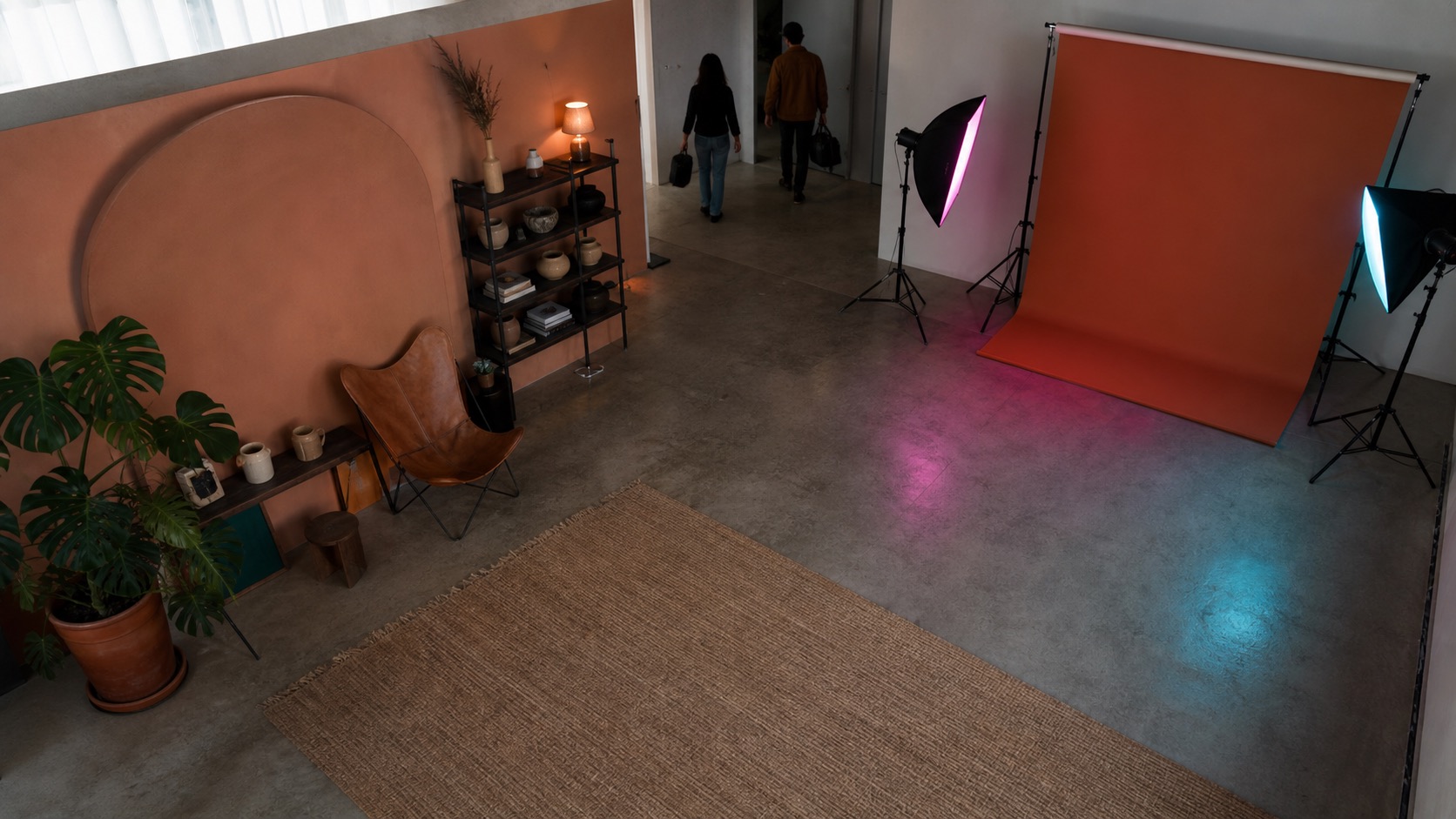
The booked start was 14:00 with a five-minute grace period. The host sees the boundary, not just the footage.
Booked for ten, estimated at twelve. An alert while there is still time for a calm message, not after the room is empty.
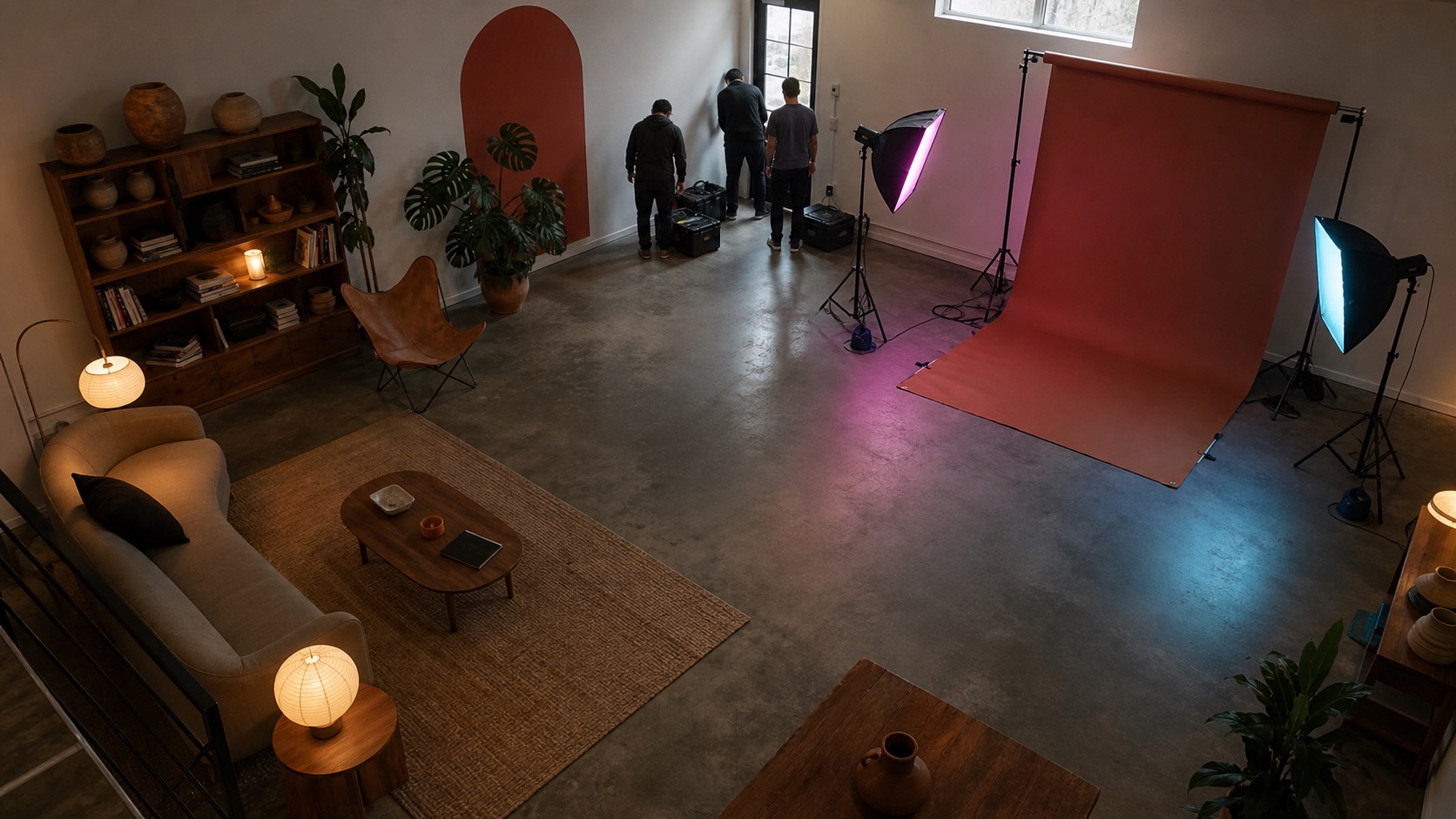
The reset window matters. The timeline and report are already organised when the booking closes.
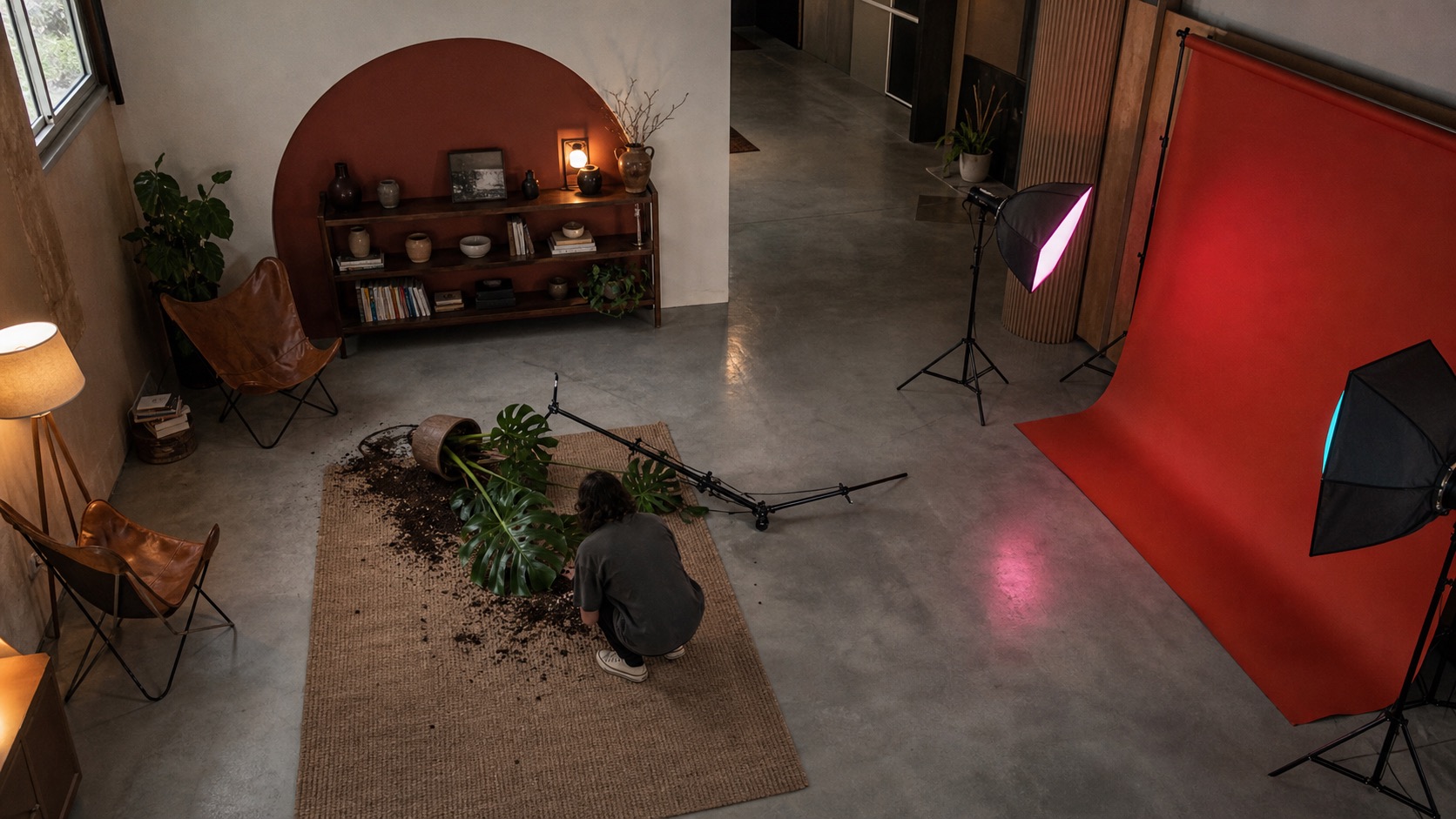
A plant goes over mid-shoot. The host is alerted while the booking is still active, reviews the clip and decides what happened—not a surprise days later.
Illustrative scenes. Occupancy figures are estimates and every alert is reviewed by the host.
AsBooked is built to surface exceptions, not create another feed for you to watch.
Add a compatible existing camera with read-only access. We check coverage before monitoring begins.
Sync or enter the booking window, capacity tier and the grace periods that match how you operate.
Receive a focused alert while there is still time to respond. You decide whether and how to contact the guest.
Review first in, last out, occupancy estimates and notable moments in one booking report.
Each report brings the booking terms and observed timeline together, so you can reset the room, follow up or close the booking with confidence.
Useful venue intelligence does not need to know who someone is. AsBooked is built around transparent, proportionate monitoring and human review.
We estimate presence and occupancy, not identity.
AsBooked does not use camera audio.
Estimates are labelled, and the host makes the decision.
Reports and evidence should exist only as long as needed.
Free gives you a useful after-booking report. Pro adds alerts while there is still time to act.
A clear record of what happened across a small number of bookings.
Know about timing and occupancy exceptions while you can still act.
A fitted rollout for teams managing multiple rooms or locations.
Pilot pricing shown in GBP. Final limits and VAT treatment will be confirmed before any paid subscription begins.
No. AsBooked is designed to estimate occupancy and booking boundaries, not recognise faces or build identity profiles. It does not use audio.
Usually not. The private pilot is focused on compatible existing camera setups. We confirm coverage and compatibility before a venue is connected.
The core product alerts the host, who stays in control. We are separately testing host-approved extension messages and calls with selected pilot venues.
No. Platforms and payment providers make their own decisions. AsBooked gives you a clearer, timestamped record; it does not promise recovery.
It flags possible damage activity—like something being knocked over—while the booking is still active, so you can look and decide. It does not judge fault, and platforms or insurers make their own decisions.
Independent studios and bookable venues with frequent hourly bookings, existing cameras, and periods when no team member is continuously on site.